Spelling you don't have to fix
Fuzzy title matching, scored by how much of your search the candidate actually covers — so a near-match wins and a coincidence doesn't.
Quest Chronicle holds thousands of games without turning into a spreadsheet. It finds your cover art, logs a session in one tap, and never makes you type the same thing twice.
Coming soon to the App Store

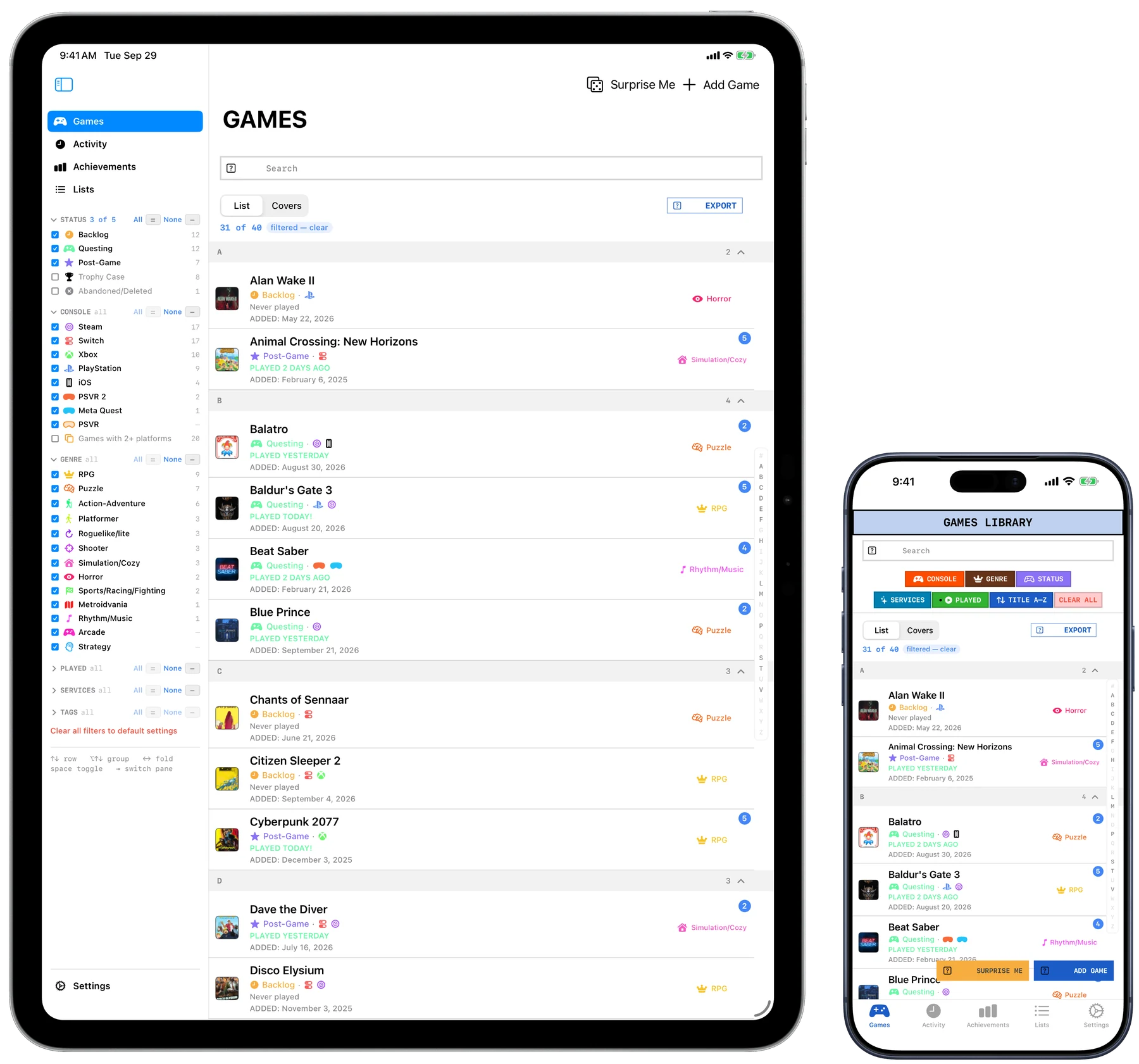
The same library on every device you own
A library you cannot recognise at a glance is a list, not a library. Quest Chronicle pulls box art automatically — matching on what you typed, not on what you should have typed, so "Froze Horizon 4" still finds Forza. When one source has nothing, it asks another.
Fuzzy title matching, scored by how much of your search the candidate actually covers — so a near-match wins and a coincidence doesn't.
Bring in a Steam library or a CSV. Duplicates are caught on the way in, including the same game spelled two different ways.
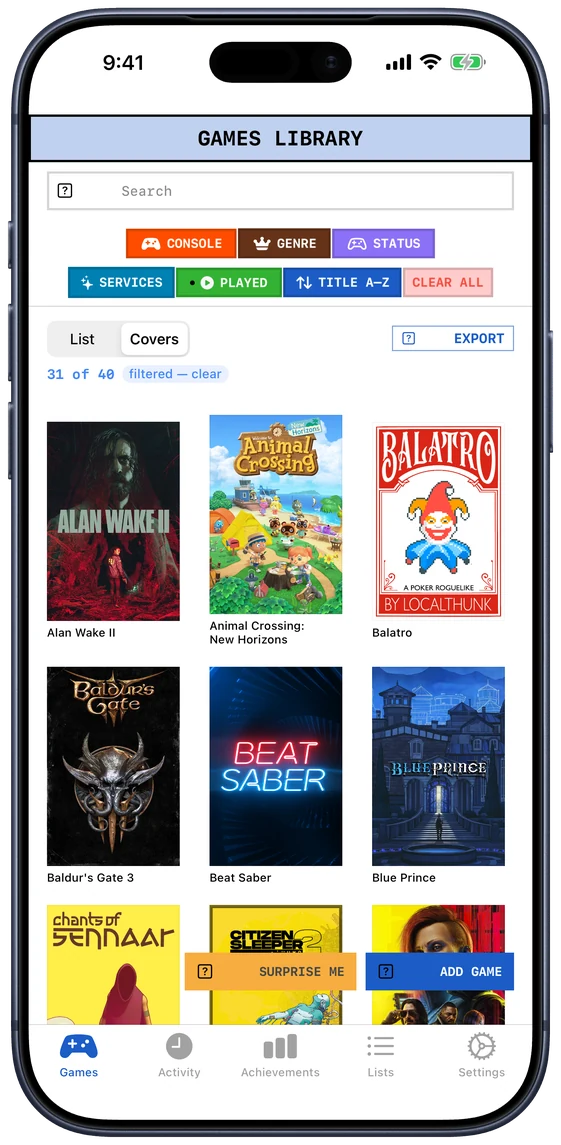
Names and status when you're organising; a wall of box art when you're deciding what to play. Same games, same filters, different shape.
iCloud sync between Mac, iPhone and iPad, continuously and without a Sync button to remember to press.
The same games, the same filters, a different shape. One click apart, on every device.
Quest Chronicle checks every few minutes, and when it sees you have been playing something in your library it writes the session itself — with how long it lasted. One evening is one session, not six, however many times it looked.
It uses your key, kept on your device. There is no account to make and no server of mine in the middle, which is also why there is nothing to cancel.
Both take a couple of minutes to set up, and the app walks you through it with the links you need. Everything else works without them.
"Hey Siri, log a session in Quest Chronicle." Name the game in the same breath, and it never has to open.
It only logs titles already in your library, so a housemate borrowing the console cannot quietly rewrite your history.
Anything it logs can be edited or deleted like anything you logged by hand.
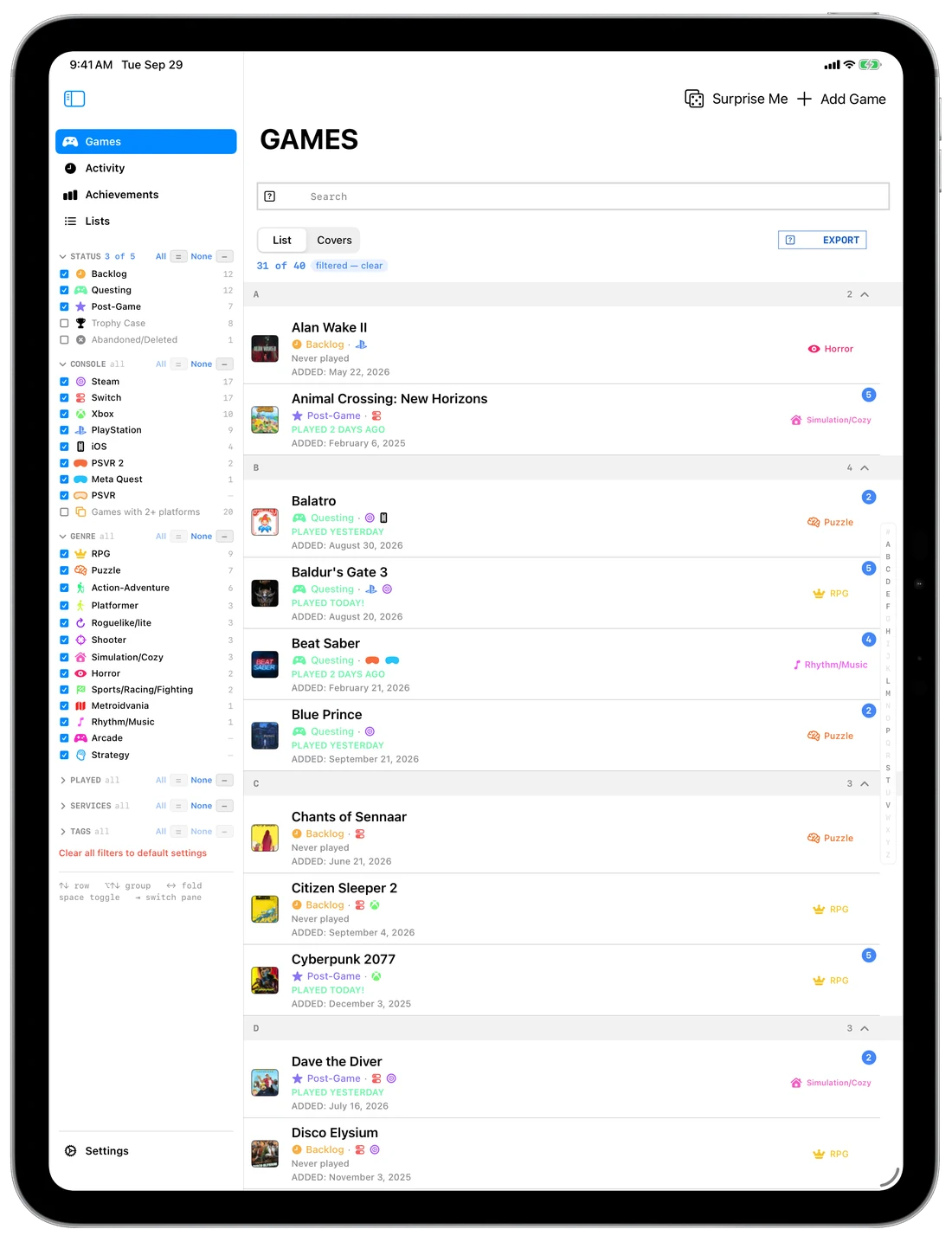
Given the width, the iPad does not show the phone's app made larger. It shows the desktop one: your filters down the side, the library in the middle, and the game you picked beside it rather than on top of it.
Attach a keyboard and every shortcut below works there too. Split View and Stage Manager both behave — the library narrows to the single-pane layout and keeps going.
The moment you want to record playing something is the moment you least want to open an app. The iPhone widget puts your recent games on the home screen — tap one, it's logged, and the widget resets itself. Search from the widget for anything you haven't played lately.
On the Mac it's a keystroke: ⌘L logs the game you have selected, without opening anything. Or ask Siri, and nothing opens at all.
The widget writes the session itself and hands it over next time you open the app. Nothing is lost if you never do.
Every session can be edited or deleted. A quick log is a starting point, not a commitment.
Not a rating. Where the game actually stands with you — and Backlog empties itself, because logging a session on a game proves you started it.
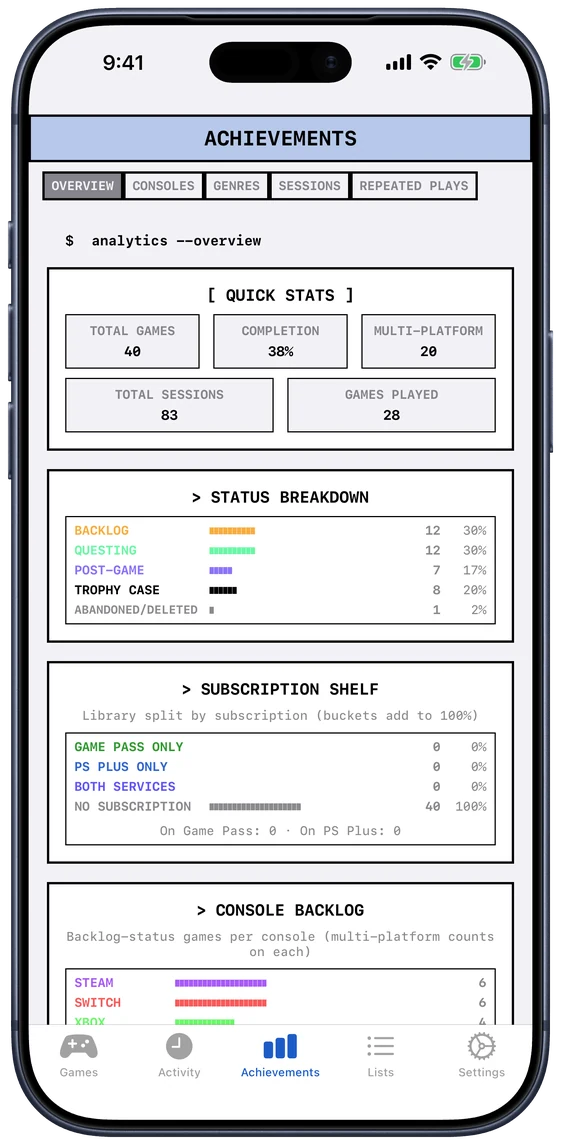
Every figure here is built out of sessions that happened, not out of a rating you gave something once. What you finish and what you abandon. Which consoles and genres really get played, as against the ones you keep buying for. How long it has been since you touched something.
It is the part of a backlog app that usually flatters you. This one doesn't.
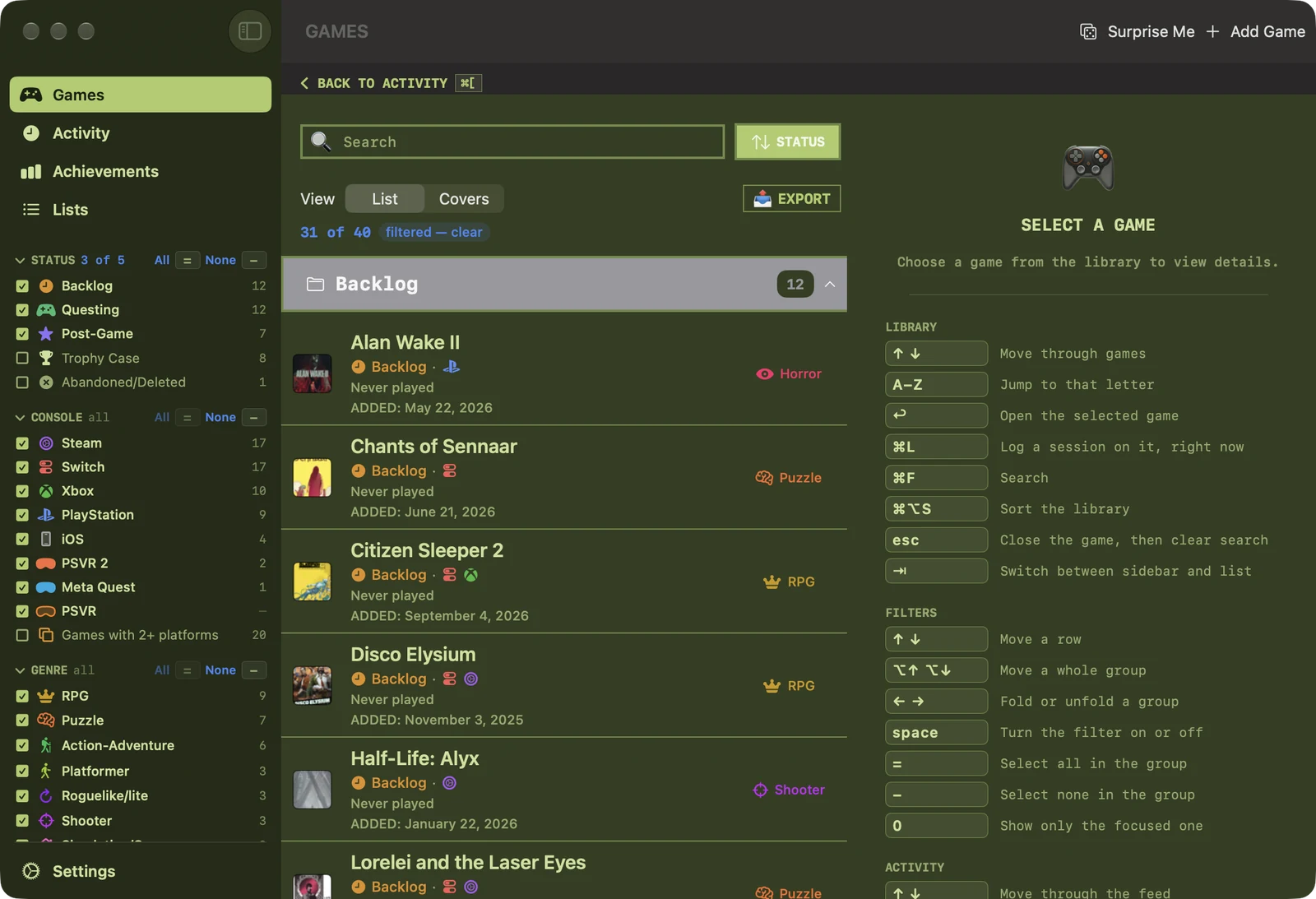
A list of several thousand rows that can only be driven with a mouse is not a library, it's an endurance test. Every action has a key, and every key is published in a guide that sits beside the list rather than hidden in a menu.
A shelf of themes, each with its own mood rather than its own tint — and every one of them checked for contrast, so nothing goes unreadable to make something else look good. Turn on shuffle and the app picks a new one each launch, light or dark.